 View details
How Digital Downloads Work
Digital downloads are simple once you have done it once. Here is a gentle walk-through, from purchase to your first printed or on-screen page.
1. Buy on Etsy
All of our designs are sold through our Etsy shop. Choose a design, add it to your cart and check out as you would for any Etsy order. Nothing is shipped; you receive digital files instead.
2. Find your files
Once your payment is confirmed, your files are ready. You can find them in two places:
- On Etsy, go to You > Purchases and reviews and select Download files next to your order.
- Check your email for Etsy’s order confirmation, which includes a link to your downloads.
We recommend downloading on a computer where possible, as some phones and tablets handle files less smoothly.
3. Unzip if needed
Some listings come as a ZIP folder. On most computers, double-click the ZIP file (Mac) or right-click and choose Extract All (Windows). On phones, use the built-in Files app to open and extract it.
4. Printing at home or at a print shop
- Use a smooth, bright paper. A slightly heavier paper works well for planners and wall art.
- In your print settings, choose Actual size or 100% rather than “Fit to page,” so the design prints as intended.
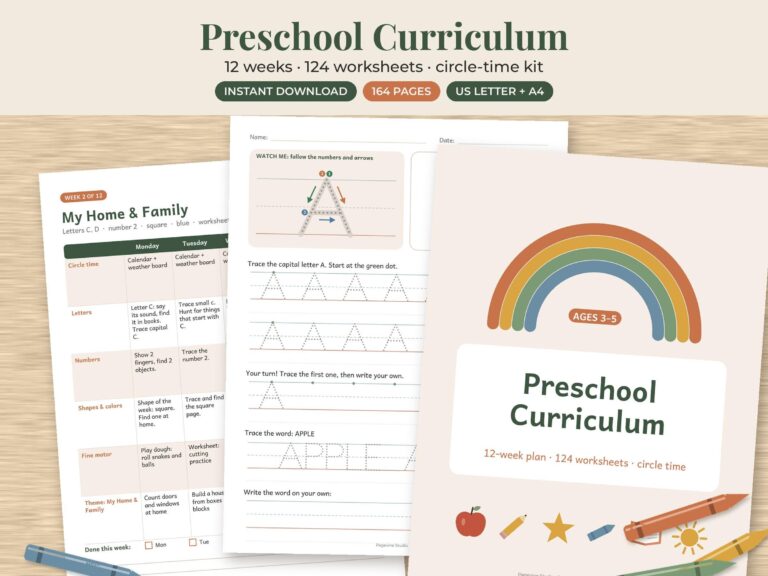
- Choose the file that matches your paper. A4 is common outside North America; US Letter is standard in the US and Canada. Where both are included, pick the one for your printer’s paper.
- For wall art, a local print shop or online print service can give richer color on quality paper.
5. Digital planners and stickers
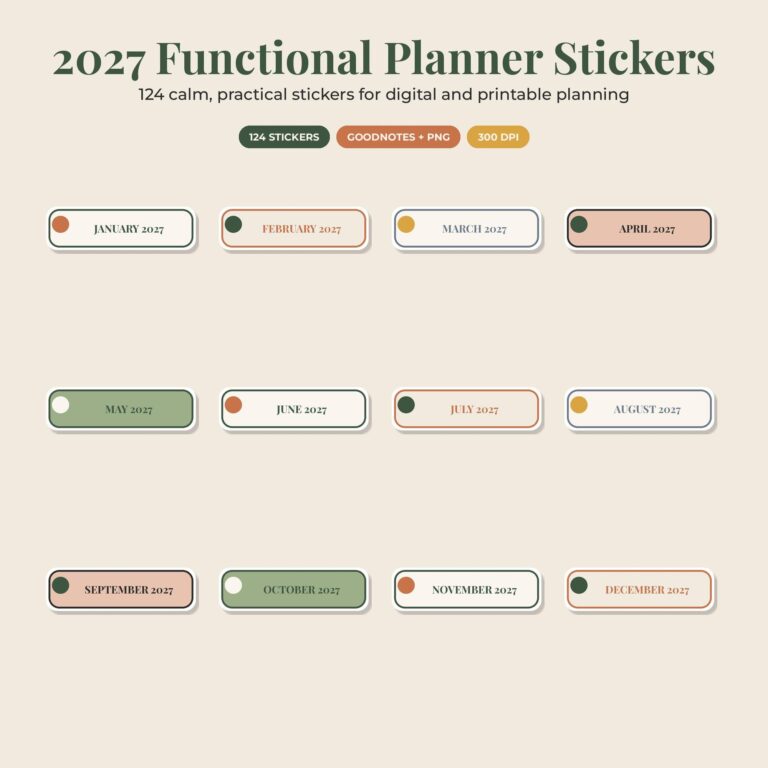
Digital planners and stickers work in note-taking apps such as GoodNotes and Notability. Save the file to your device, then open your app and use its import option to bring in the PDF or image files. Sticker PNGs can usually be added to the app’s sticker or elements library, then dragged onto your pages.
6. Editable templates
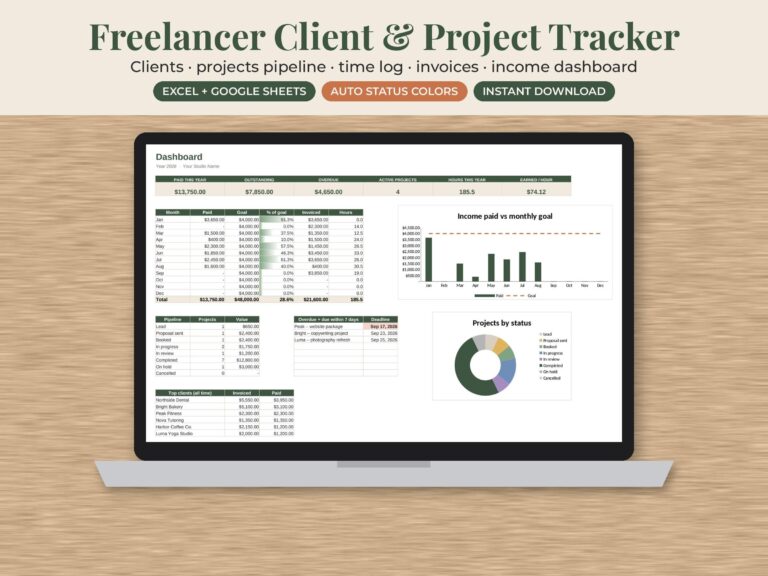
Editable listings explain how to open them. Canva templates usually include a link that opens a copy in your own Canva account. Google Sheets files open with a link that lets you make your own copy. Word or Excel files open directly on your computer, ready to edit.
7. Phone wallpapers
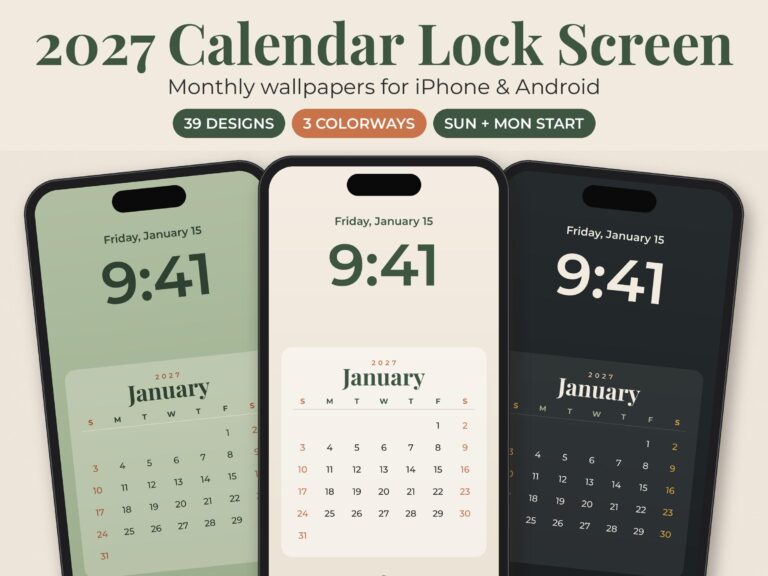
Save the image to your photos. On iPhone, open Settings > Wallpaper and add a new wallpaper from Photos. On Android, long-press your home screen, choose Wallpaper, and select the image. Steps may vary slightly by device.
8. Your license
Our files are for personal use. Please do not resell, share or redistribute them. Commercial use is allowed only where a listing clearly says “commercial use,” and only within the terms stated there.
9. If something is not right
Because these are digital items, we are not able to offer returns. But if a file will not open, looks wrong or is missing a page, please contact us. We will fix it quickly.
From the shop