 View details
Moroccan Digital Paper: Zellige & Geometric Patterns
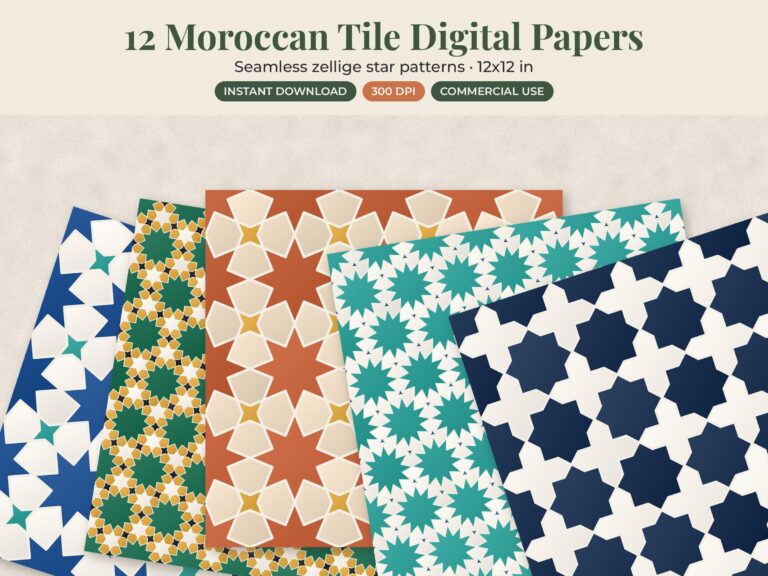
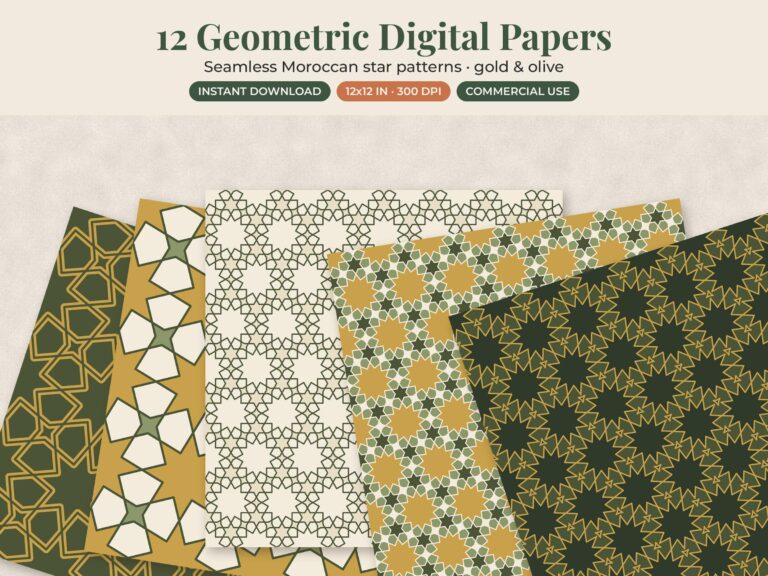
Moroccan digital paper is a set of downloadable pattern files based on zellige tile mosaics and star geometry. You print the patterns yourself, as often as you like, or use them on screen for planner covers, scrapbook pages and product backgrounds. Our two sets each have 12 patterns that repeat edge to edge: warm zellige tiles in one, and Moroccan stars in gold and olive in the other.
Below: what to look for in size and resolution, what “seamless” really means, how to print on a home printer, and how to check the license before you sell anything you make.
What is zellige digital paper?
Zellige is the Moroccan craft of fitting small, hand-cut pieces of glazed tile into geometric mosaics. The Metropolitan Museum of Art’s essay on geometric patterns in Islamic art describes the star pattern as “ultimately derived from squares and triangles inscribed in a circle,” and notes that repeating these units offers “the possibility of infinite growth.” That built-in repeat is why these patterns make such good digital paper: they cover a 2-inch gift tag or a full 12 x 12 layout without looking stretched.
Zellige digital paper recreates that look in a print-ready file. Good sets keep a little texture, like the uneven glaze on real tile, instead of flat, plastic-looking color. Our guide to zellige tile patterns covers the history and the classic motifs.
Which Moroccan digital paper set should I choose?
- Moroccan zellige tile digital paper: 12 zellige-inspired patterns with a sun-warmed, Mediterranean feel. Best when you want the look of real tile on coasters, kitchen prints and gift boxes.
- Moroccan star geometric digital paper: 12 star patterns in a warm gold and olive palette. A good fit for invitation backings, certificates and planner covers, where a calmer two-color pattern lets text stand out.
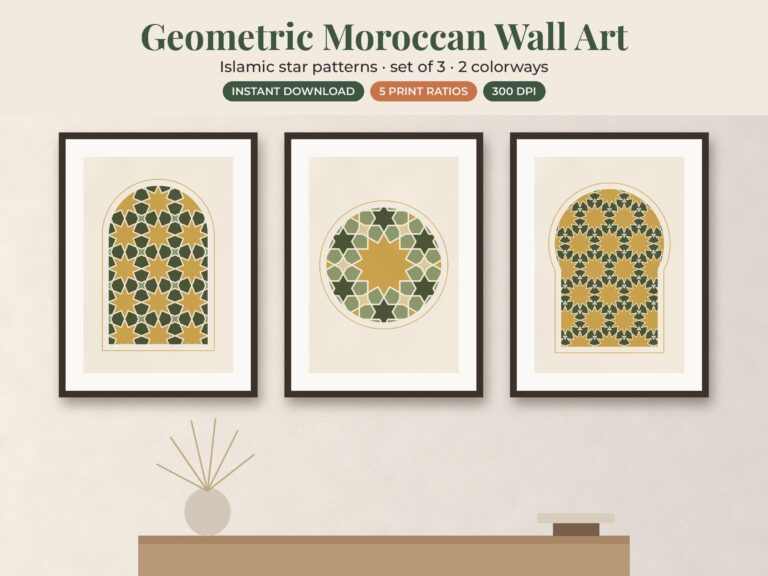
- Moroccan geometric prints set of 3: not paper, but three Moroccan-pattern wall prints in gold and beige, if you want the same style on the wall.
What size and resolution should digital paper be?
For printing, look for 300 dpi (dots per inch). At that resolution, the file’s pixel size divided by 300 tells you how large it prints sharply. A 12 x 12 inch scrapbook sheet at 300 dpi is 3600 x 3600 pixels. Check each listing for the exact file size before you plan a large print.
| Print size | Pixels needed at 300 dpi | Common use |
|---|---|---|
| 12 x 12 in | 3600 x 3600 | Scrapbook layouts |
| 8.5 x 11 in (US Letter) | 2550 x 3300 | Junk journal pages, planner covers |
| A4 (8.27 x 11.69 in) | 2480 x 3508 | UK and Canada home printing |
| 6 x 6 in | 1800 x 1800 | Card fronts, small albums |
| 4 x 6 in | 1200 x 1800 | Tags, envelope liners |
Printing a 12 x 12 file smaller is always fine. Printing it much larger than 12 inches will start to look soft. For screen-only use, such as a blog header or shop photo background, resolution matters much less.
What does seamless digital paper mean?
A seamless pattern’s right edge lines up with its left edge, and its top lines up with its bottom. Place copies side by side and you can’t see where one ends and the next begins. That matters in three situations:
- Covering a large area. Tile the pattern across a poster or a 20 x 30 inch sheet instead of stretching one file and losing sharpness.
- Changing the scale. Shrink the tile to repeat it more often, so the stars look small and delicate on a gift tag.
- Pattern fills. Many design apps let you set an image as a repeating fill, and a seamless tile won’t show lines.
To test a pattern, place two copies next to each other in any design app and zoom to 100%. If you can’t find the join, it’s seamless.
What can I make with digital scrapbook paper?
- Scrapbook pages: backgrounds, photo mats and borders. Mix one busy pattern with two plain cardstock colors.
- Junk journal paper: print on Letter or A4, cut into pockets, tags and tuck spots, and bind into a journal.
- Planner covers: print on cardstock and laminate a cover for a 2027 year planner.
- Product backgrounds: use a pattern as a digital background behind product photos or social posts.
- Cricut Print Then Cut: stickers, labels and gift tags. On Letter paper, Cricut’s help page lists a maximum Print Then Cut size of 9.94 x 7.44 inches for Explore, Maker, Venture and Joy Xtra machines (A4: 10.62 x 7.2 inches). The cuttable area isn’t a full rectangle, so a design usually can’t hit both limits at once.
How do I print digital paper at home?
- Pick paper. Use 65 to 110 lb cardstock for cards and boxes, matte photo paper for framed pieces, and plain paper for test prints.
- Choose the scale. “Actual size” prints the pattern at its true scale and crops a 12 x 12 file to fit your sheet. “Fit to page” shrinks the whole design to fit. For a repeating pattern, Actual size usually looks better.
- Set the quality. Choose the best or high-quality setting so thin lines stay crisp.
- Test first. Colours can vary a little between screens and printers, so print a small corner before using expensive cardstock.
Need a full 12 x 12 sheet? Most home printers top out at Letter or A4, so send larger sheets to a local print shop.
Can I sell things made with digital paper?
It depends entirely on the license in the listing, so read it before you sell anything. Our product pages say files are for personal use unless the listing says commercial use is allowed, and the files themselves should never be shared or resold. If you plan to sell finished items, check the Etsy listing’s terms for that specific set, and message the shop if anything is unclear.
Pair your paper with clipart
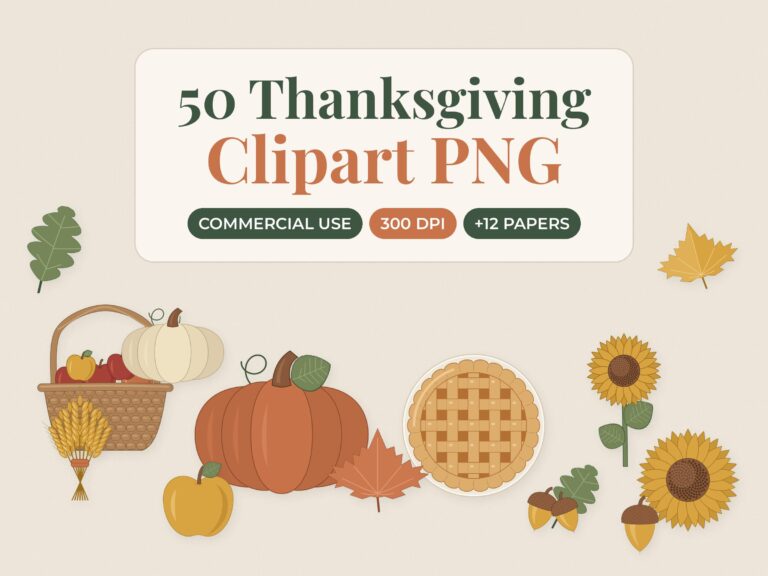
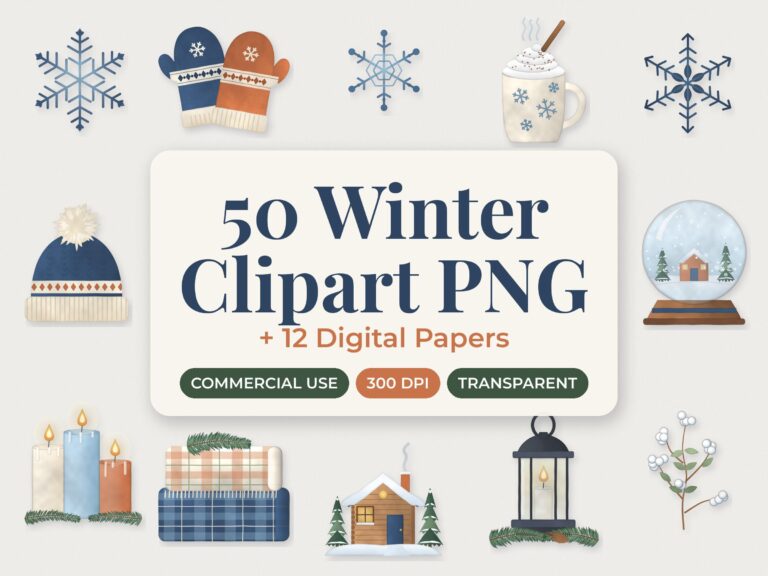
For seasonal projects, our bundles combine graphics and paper in one download. The Thanksgiving clipart and autumn paper bundle has 50 PNG graphics, including pumpkins, pies and leaves, plus autumn digital paper. The cozy winter clipart and digital paper bundle pairs snowflake, cocoa and mitten graphics with watercolor paper. Both product pages mention commercial use; read the listing’s terms to see exactly what’s covered.
Start with one set and a pack of cardstock, and you’ll have tags, covers and backgrounds for months. Browse the clipart, SVG and digital paper collection for more patterns.