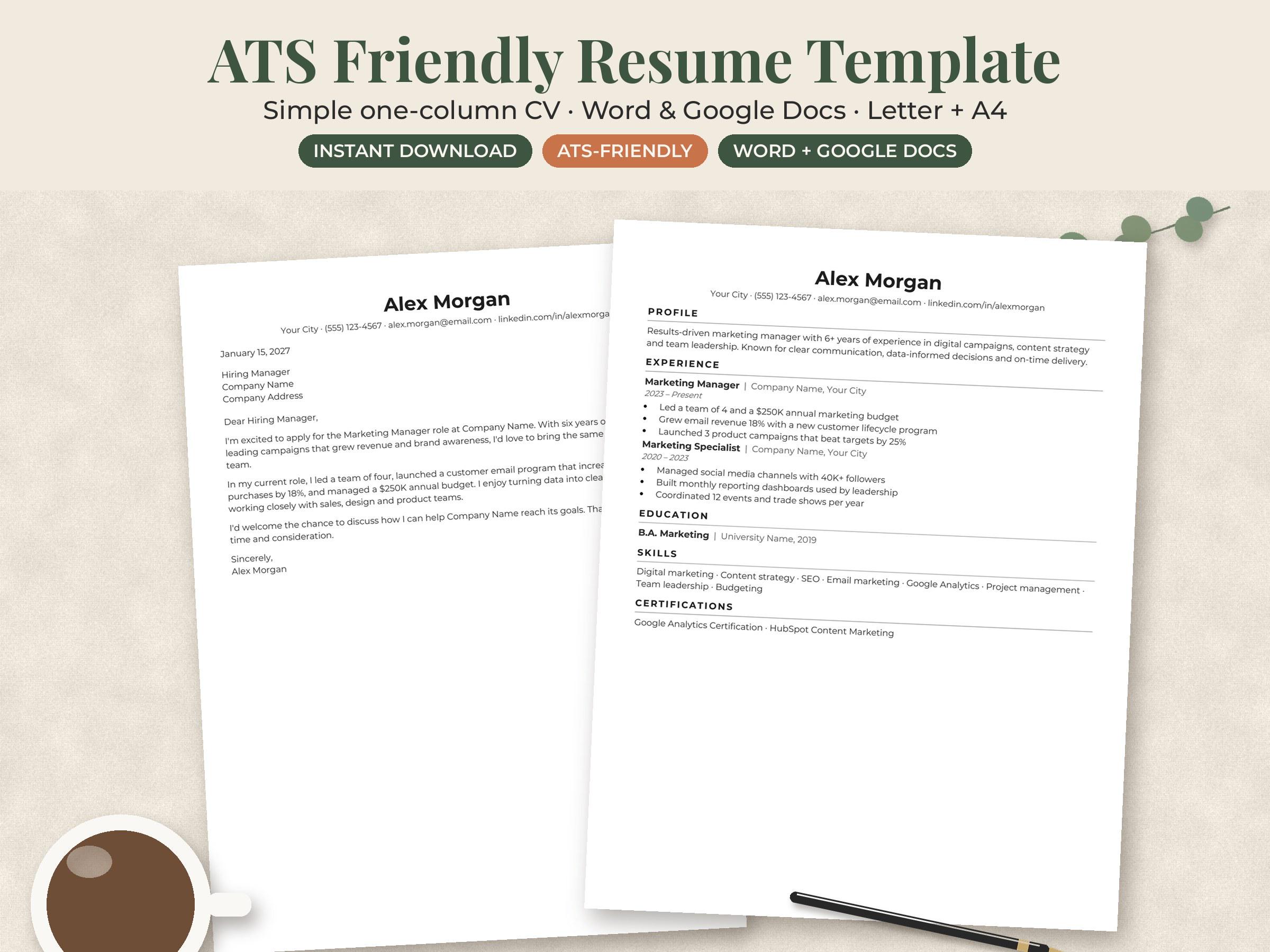
An ATS-friendly resume is a resume that applicant tracking software can read correctly. That means plain text the system can pull into the right fields, standard section headings, a simple one-column layout, and the same keywords the job ad uses. That’s the whole ATS friendly resume meaning: nothing fancy for the software to trip over, and clear proof you match the job.
Below you’ll find how the software reads your file, a do-and-don’t table, a 5-minute test you can run tonight, and a worked keyword example. It’s written for job seekers in the US and Canada getting ready for a new job search in January 2027.
What does ATS-friendly resume mean in practice?
An applicant tracking system (ATS) is software employers use to collect and sort applications. As Robert Morris University’s career guide on applicant tracking systems puts it, an ATS is “human resources software that allows employers to organize large numbers of resumes.” It compares your resume with the job description and ranks it, so recruiters see the closest matches first.
So “ATS-friendly” has two parts:
- Readable. The software can pull out your name, contact details, job titles, dates and skills without scrambling them.
- Relevant. The words in your resume match the words in the job posting.
You may have seen scary claims that most resumes get “rejected by robots.” We couldn’t find solid research behind the popular percentages. What’s certain is simpler: if the system can’t read your experience, or your resume uses different words from the posting, you’re harder to find in a search. A person still reads the resumes that rise to the top.
ATS-friendly resume format: do this, not that
| Do | Avoid | Why |
|---|---|---|
| One column, top to bottom | Sidebars and two-column layouts | Some systems read across columns and mix up lines |
| Standard headings: Work Experience, Education, Skills | Clever headings like “Where I’ve Been” | The software looks for familiar labels |
| Contact details in the main body | Name and phone number in the header or footer | Headers and footers are often skipped |
| Simple round bullets | Icons, symbols, skill bars and star ratings | Graphics carry no readable text |
| Plain text with bold for job titles | Text boxes, tables and borders | Content inside boxes can be lost |
| A common font at 10 to 12 pt | Script or decorative fonts | Unusual fonts can turn into garbled characters |
| Spelled-out terms plus acronyms | Acronyms only | Recruiters may search either version |
| Dates as “Mar 2024 to Present” or “03/2024” | Years only, or mixed formats | Consistent dates help the system calculate experience |
This lines up with the UC Santa Barbara Graduate Division’s ATS advice, which recommends no images or large design elements, no information in headers or footers, conventional section headings, and degree names written out in full. RMU’s guide adds: avoid tables, borders, lines and symbols, use common headings such as Education, Work Experience and Skills, and leave off a photo.
Can ATS read Word or PDF resumes?
Most modern systems can read both a Word file (.docx) and a text-based PDF. The two career guides above agree on this. UCSB suggests writing your resume in Word or Google Docs and saving it straight to PDF, without bouncing it through several programs first.
Three rules decide which one to send:
- Follow the posting. If the employer asks for .docx, send .docx. Instructions beat any general advice.
- Never send a scanned PDF. A photo or scan of a resume is an image. The software sees no words at all.
- Export, don’t print to PDF from a design app. PDFs from heavy design tools sometimes store text as shapes. Exporting from Word or Google Docs keeps real text.
If an online form asks you to retype your work history, do it carefully. Those fields are what the recruiter searches.
Do columns and graphics hurt an ATS resume?
They can. Graphics are the clearer case: a logo, a photo, a skill bar showing “Excel: 80%” or a row of icons gives the software nothing to read. Your skills need to appear as words.
Columns are a gray area. Some systems handle them fine, others read straight across the page and stitch your sidebar into your job history. You can’t know which system an employer uses, so we’d pick a single-column layout for online applications. Save the designed two-column version for handing to someone in person.
What fonts are best for an ATS resume?
Choose a font that comes installed on almost every computer. RMU suggests a basic font in black at size 10 to 12, naming Arial, Times New Roman and Helvetica. Calibri, Cambria, Georgia and Garamond are also widely used and read well.
A practical setup:
- Body text: 10.5 to 11 pt
- Section headings: 12 to 13 pt, bold
- Your name: 16 to 20 pt
- Margins: 0.5 to 1 inch
Use one font for the whole page. Two at most.
How do I know if my resume is ATS-friendly? A 5-minute test
- Copy and paste test. Open your PDF, select all, copy, and paste into a plain text editor like Notepad or TextEdit. Is everything there, in a sensible order? Missing lines or jumbled columns are a warning sign.
- Header check. Is your name, email or phone number only in the page header? Move it into the body.
- Heading check. Are your section titles the standard ones? Rename anything creative.
- Keyword check. Pick the five most important skills in the job ad. Does each appear in your resume, spelled the same way?
- File check. Is the file name clear, like Jordan-Lee-Resume.pdf, and is it the format the posting asked for?
If your resume passes all five, you’ve handled the problems that trip up most applicants.
How to make your resume ATS friendly with keywords: a worked example
Say you’re applying for an office coordinator job. The posting says:
“Manage scheduling for a team of 12. Process invoices in QuickBooks. Coordinate vendor relationships. Strong Microsoft Excel skills required.”
Your current bullet reads: “Handled calendars and paperwork for the department.”
A stronger, keyword-matched version: “Managed scheduling for a 10-person team and processed 60+ invoices a month in QuickBooks.” Then add Microsoft Excel and vendor coordination to your Skills section, as long as they’re true.
What changed:
- “Scheduling” and “invoices” now match the posting word for word.
- The software name, QuickBooks, is spelled exactly as written.
- Numbers show scale, which also helps the human reader.
RMU’s guide suggests pulling exact phrases from the job description, matching their spelling, and tailoring your resume for each position. Keep it honest. Keywords get you found; the interview checks they’re real.
ATS-friendly resume examples: a simple section order
Here’s a layout that works for most jobs:
- Name and contact line (city and state or province, phone, email, LinkedIn)
- Summary (2 to 3 lines naming your role, years of experience and top skills)
- Skills (8 to 12 hard skills from the job ad)
- Work Experience (newest first: job title, employer, location, dates, then bullets)
- Education (degree written in full, school, year)
- Certifications or Licenses (if relevant)
Nursing and other licensed roles
For nursing, put your license type, state and status near the top, for example “Registered Nurse (RN), Texas, active.” Spell out certifications once with the acronym in brackets: Basic Life Support (BLS). New grads can add a Clinical Rotations section listing unit, facility and hours. A nursing resume template in Word with these sections already in place saves time.
Applying in Canada
The Government of Canada’s Job Bank resume guide suggests keeping your resume to two pages, limiting each section to 5 to 7 bullet points, and cutting or shortening experience older than 15 years. It also notes employers take an average of 30 seconds to skim a resume, so put your strongest points first.
ATS friendly resume template in Word or Google Docs: what to look for
Many templates sold as “ATS-friendly” still use text boxes or tables underneath. Before you commit, check that the template has:
- A single column, or a layout you can switch to one column
- Real text headings, not headings inside shapes
- No contact details locked in the header
- Styles you can edit in Word or Google Docs without breaking the layout
- A matching cover letter, so your application looks consistent
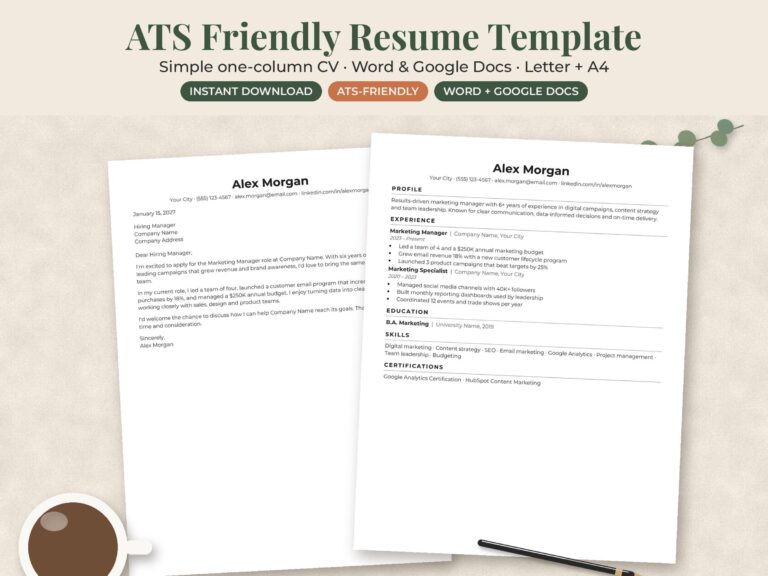
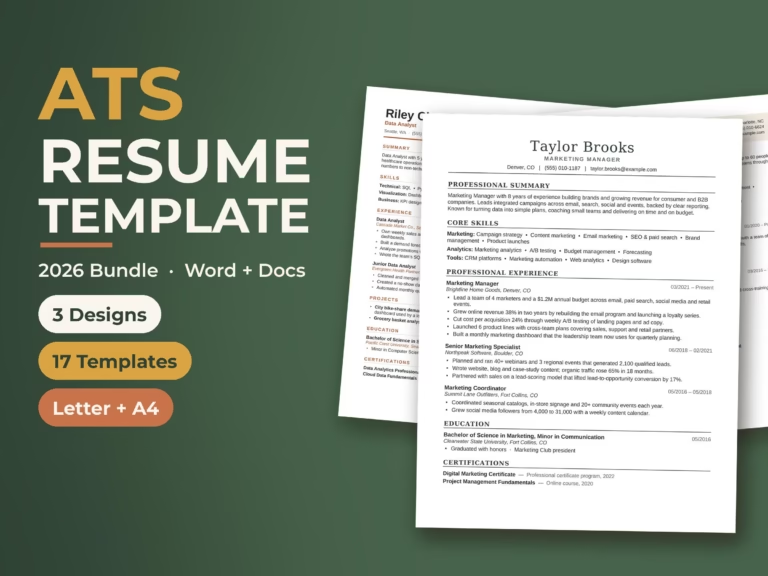
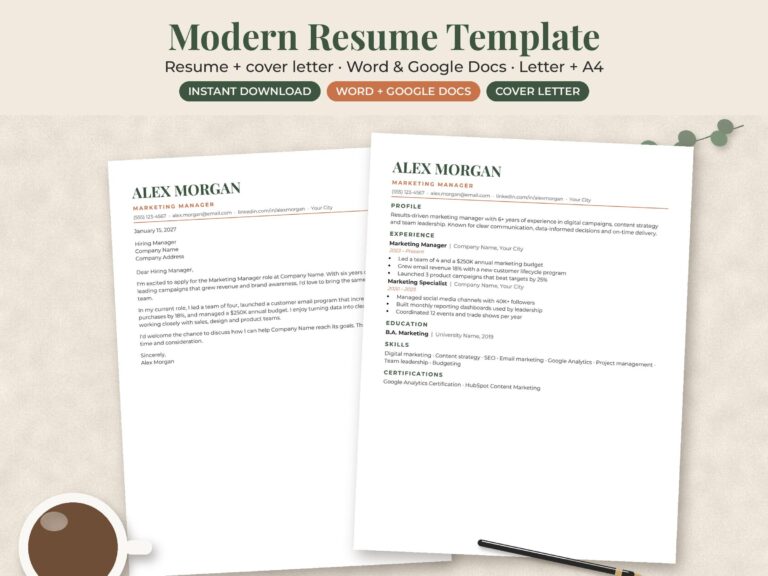
Run the copy-and-paste test on any template you download, including ours. If you want a ready-made starting point, the ATS-friendly minimalist resume is built around a simple, minimalist layout, and the modern resume and cover letter set gives you a matching letter. You can compare more layouts on our resume templates page.