 View details
Debt Snowball Spreadsheet & Debt Payoff Tracker
Paying off several debts at once is mostly a question of order. You pay the minimum on everything, send every spare dollar to one target debt until it’s gone, then roll that payment into the next one. The two popular ways to choose the order are the debt snowball and the debt avalanche. A spreadsheet takes the guesswork out by showing your debt-free date under each method, and how much interest each one costs, before you commit.
The tools below work in Excel and Google Sheets, with printable trackers for anyone who’d rather color in progress on the fridge. Whether you call it a debt payoff plan or part of your household budget, the method is the same, and the currency can be switched to pounds or Canadian dollars.
Debt snowball vs debt avalanche
The Consumer Financial Protection Bureau describes both approaches. The avalanche, which the CFPB calls the highest interest rate method, gets rid of your costliest debts first and can save money over time. The snowball targets your smallest debt first, so you see results quickly, but you may pay more in total interest.
| Debt snowball | Debt avalanche | |
|---|---|---|
| Pay off first | Smallest balance | Highest interest rate (APR) |
| Main advantage | Quick wins; fewer bills to juggle sooner | Lowest total interest |
| Trade-off | Can cost more in interest | The first payoff can take longer |
| Suits you if | Seeing progress keeps you going | You’ll stay on track without early wins |
A quick example
Say you owe three debts: a $600 store card at 24% APR, a $2,500 credit card at 27% APR and a $4,800 car loan at 7% APR.
- Snowball order: store card, then credit card, then car loan.
- Avalanche order: credit card, then store card, then car loan.
Only the first two targets differ. When your smallest balance also carries the highest rate, the two methods agree and there’s nothing to decide. When they disagree, the spreadsheet’s comparison shows exactly how far apart the debt-free dates and interest totals are, which turns a debate into a number.
What to gather before you start
Ten minutes with your latest statements saves a lot of guessing later. For each debt, write down:
- Current balance, from the most recent statement or your online account.
- APR, the annual rate. If a card has a 0% promotional rate, note when it ends and the rate that follows.
- Minimum payment and due date.
- Your extra monthly amount: the sum you can add on top of all the minimums. This comes from your budget, so be realistic. A smaller amount you pay every month beats a bigger one you can’t sustain.
How the Debt Snowball Spreadsheet works
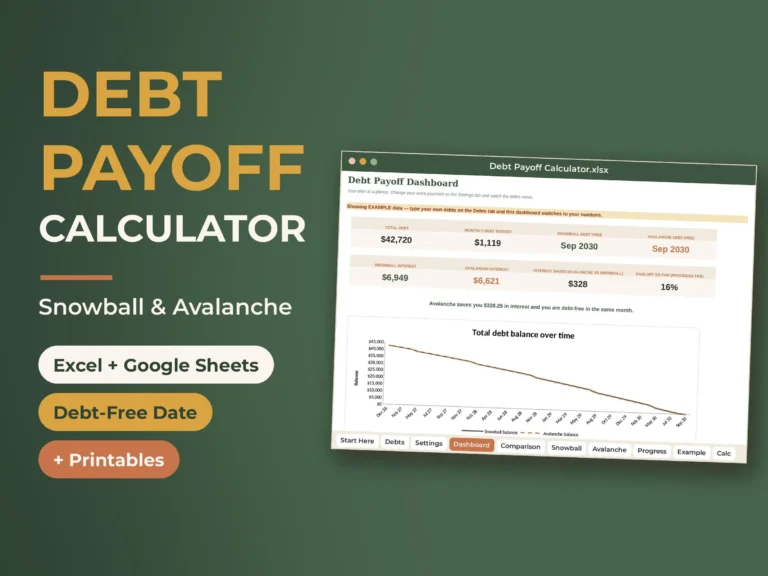
The Debt Snowball Spreadsheet & Payoff Calculator handles up to 15 debts. For each one you enter the name, type, balance, APR, minimum payment and due day. If a minimum payment doesn’t cover the monthly interest, the sheet warns you, because that balance will grow rather than shrink.
- Two schedules: snowball and avalanche plans run for up to 360 months, and each freed-up payment rolls into the next debt automatically.
- Comparison tab: both methods side by side, plus what happens if you only ever pay the minimums.
- Dashboard: debt-free dates, total interest, interest saved, and balance-over-time charts for both methods.
- Progress tab: a payment log with drop-downs, percentage paid per debt and a payoff thermometer.
- Example tab: seven sample debts so you can see a finished plan before entering your own.
Interest is estimated monthly as balance × APR ÷ 12. Lenders may calculate interest daily, add fees or change minimum payments, so treat the dates as planning estimates. Update your balances from real statements once a month and the plan stays honest.
Opening it in Excel or Google Sheets
The file works in Excel 2010 or newer, Excel for the web, Google Sheets (free) and Apple Numbers. For Google Sheets, upload it to Google Drive, open it and choose File > Save as Google Sheets. There are no macros or add-ons. Money cells use $ by default; to show £ or CA$, select the cells and change the currency under Format > Number.
Spreadsheet or simpler tracker?
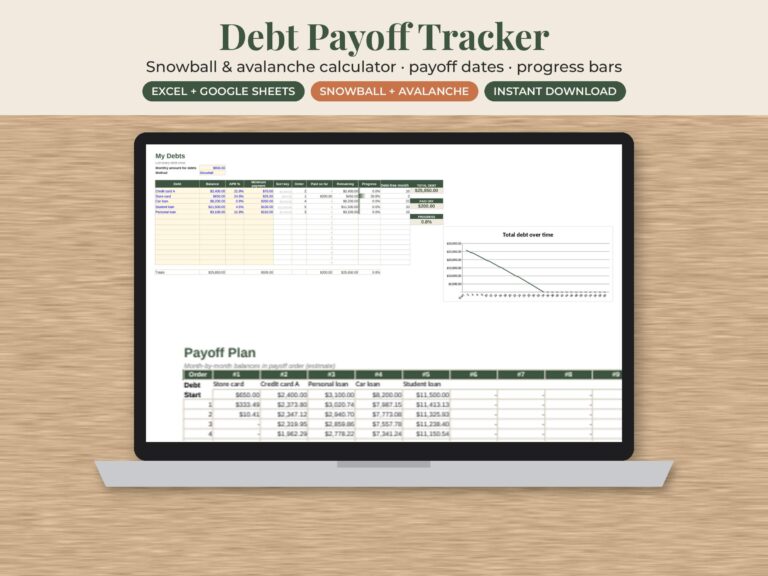
If you want the full comparison, the dashboard and an 8-page quick-start guide, choose the Debt Snowball Spreadsheet. If you just want to list what you owe, compare snowball and avalanche, and log progress over time in a lighter file, the Debt Payoff Tracker Spreadsheet does that in Excel or Google Sheets.
Printable trackers for visible progress
Numbers on a screen are easy to ignore. The snowball spreadsheet comes with four printable trackers in US Letter and A4: a debt list and payoff plan, a payoff thermometer, a 100-square color-in tracker, and a monthly payment log. Print the A4 version in the UK and the Letter version in the US and Canada, at 100% scale. Coloring in a square each time you pay off another slice is a small ritual, and it’s surprisingly motivating.
Keep the extra payment coming
Most debt plans stall when an unexpected bill lands on a credit card. A few habits protect the plan:
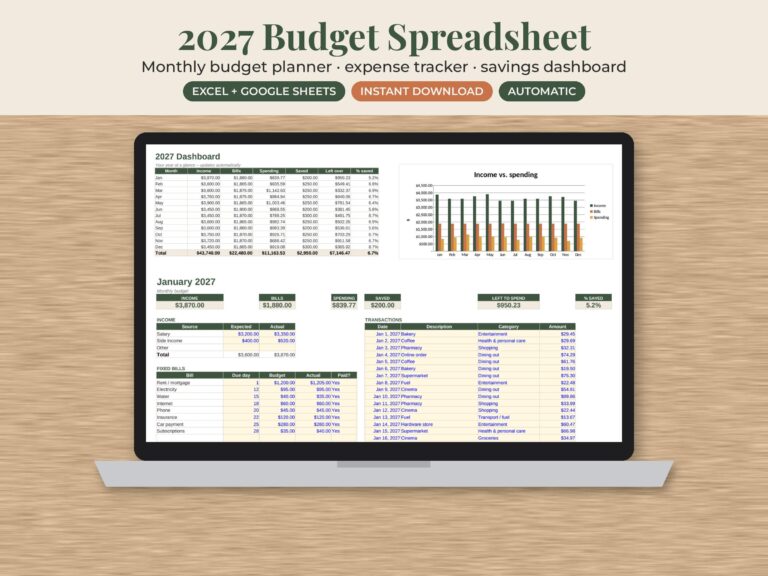
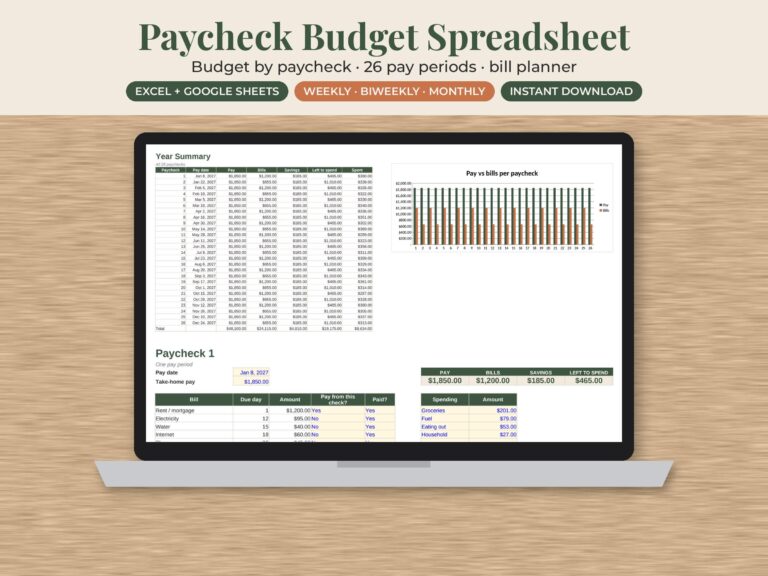
- Budget every month. The 2027 monthly budget spreadsheet or the paycheck budget spreadsheet shows where your extra payment comes from.
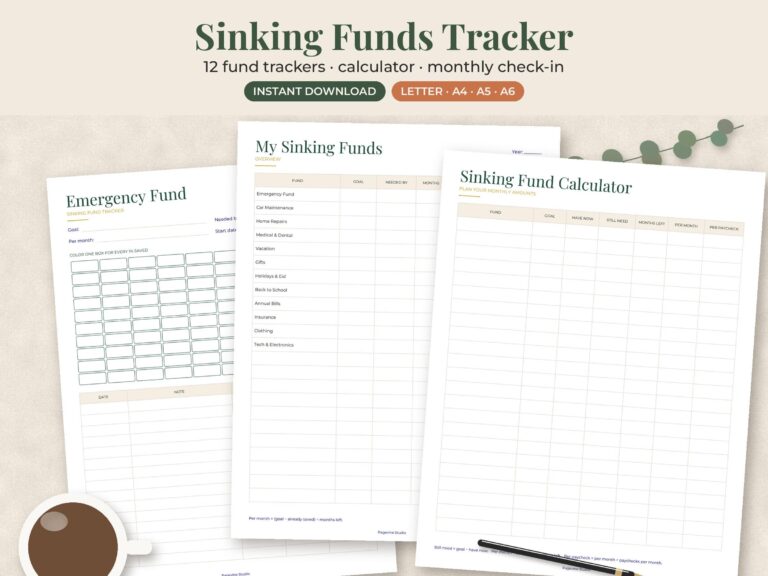
- Save for irregular costs. A sinking funds tracker sets aside money for car repairs, annual fees and school costs before they arrive.
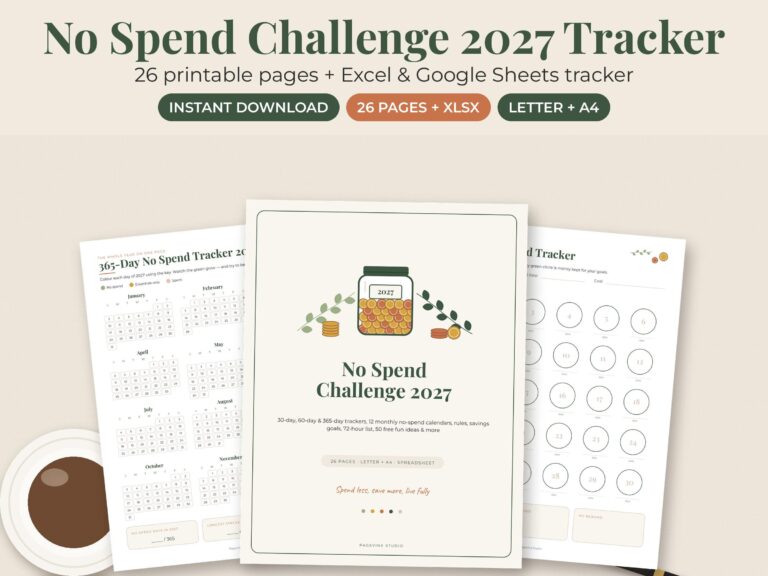
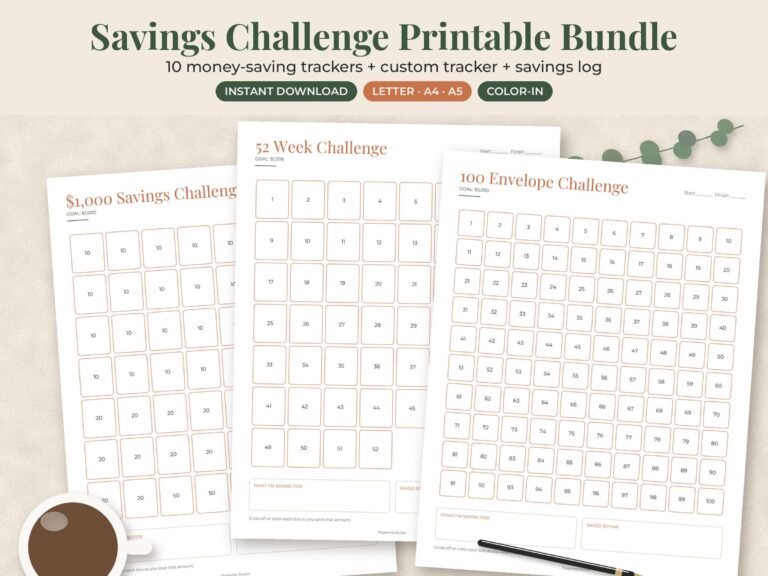
- Find quick cash. A no-spend challenge or a savings challenge can free up money for an extra payment.
- Plan your groceries. Food is a flexible budget line. Our meal planner templates help you shop to a list.
Planning a big expense at the same time? See our wedding budget spreadsheet guide, or browse all budget templates and spreadsheets.
These are planning tools, not financial advice. If you can’t keep up with minimum payments, contact your lenders early about your options.
Pick a method, enter your real numbers, and let the schedule do the arithmetic. Every tool here is an instant download from our Etsy shop, and you can browse the full shop for more budget templates.