 2027 View details
Budget Spreadsheet Templates for Excel and Google Sheets
A budget spreadsheet is a simple table of what comes in and what goes out each month, with formulas that do the adding for you. You list your take-home pay, list your bills and spending, and the sheet shows what is left. Most people can set one up in about 15 minutes with last month’s bank statement open.
The templates below work in Excel and Google Sheets, so you can type on a laptop, check your numbers on your phone and print a copy for the fridge. They cover a monthly budget, a paycheck budget for biweekly pay, and trackers for debt, savings and big one-off costs.
What should a simple budget spreadsheet include?
A good monthly budget template has four parts. Anything more is a bonus.
- Income: every paycheck and any other regular money, after tax.
- Fixed bills: rent or mortgage, utilities, phone, insurance, loan payments.
- Flexible spending: groceries, gas, eating out, kids’ activities, personal spending.
- Savings and debt: money set aside for goals, an emergency cushion and extra debt payments.
The sheet then subtracts total spending from total income. The FTC’s consumer site puts the goal plainly in its guide to making a budget: the number left over should be more than zero. If it is negative, you are spending more than you earn and need to trim somewhere.
Which budget layout should I use?
The layout is the rule you use to split your money. Any of these works in a basic income and expense tracker. Pick the one that matches how you are paid and how much detail you enjoy.
| Layout | How it works | Good for |
|---|---|---|
| Simple monthly budget | Plan each category, then log what you actually spent | First-time budgeters |
| 50/30/20 | 50% needs, 30% wants, 20% savings and debt | People who want a quick rule, not 30 categories |
| Zero-based | Give every dollar a job until income minus plan equals $0 | Tight months and detail lovers |
| Paycheck budget | Plan each paycheck separately and match bills to paydays | Biweekly or weekly pay |
A 50/30/20 example
Say your household takes home $4,000 a month. The 50/30/20 rule gives $2,000 for needs, $1,200 for wants and $800 for savings and extra debt payments. If rent alone is $1,600, needs will run over 50%, and that is normal in many cities. Treat the percentages as a starting point, not a test you can fail. UK readers can see our 50/30/20 rule guide for UK pay.
A zero-based example
With the same $4,000, you assign money line by line: $1,600 rent, $550 groceries, $300 car and gas, $250 utilities, $400 debt payments, $300 savings, $250 personal spending, $200 kids, and $150 to a car repair fund. That adds up to $4,000, so the “left to assign” cell reads $0. Nothing is wasted, because every dollar already has a job.
How do I set up a budget spreadsheet in 15 minutes?
- Open the file (2 minutes). In Excel, open the .xlsx file. For Google Sheets, upload it to Google Drive, open it and choose File > Save as Google Sheets.
- Enter your take-home pay (2 minutes). Use your pay stubs. If your income changes month to month, add up last year’s income and divide by 12.
- List fixed bills (4 minutes). Go down your bank statement and copy every bill with its amount and due date.
- Estimate flexible spending (4 minutes). Use last month’s real numbers for groceries, gas and eating out. Real numbers beat hopeful ones.
- Set a savings line (1 minute). Even $25 a month counts. Treat it like a bill.
- Check the total (2 minutes). If the left-over cell is negative, cut a flexible line first, then look at bills you can lower.
After that, log spending a few times a week and compare plan to actual at the end of the month. Our step-by-step guide to making a budget for 2027 goes further.
How do I track bills so nothing is late?
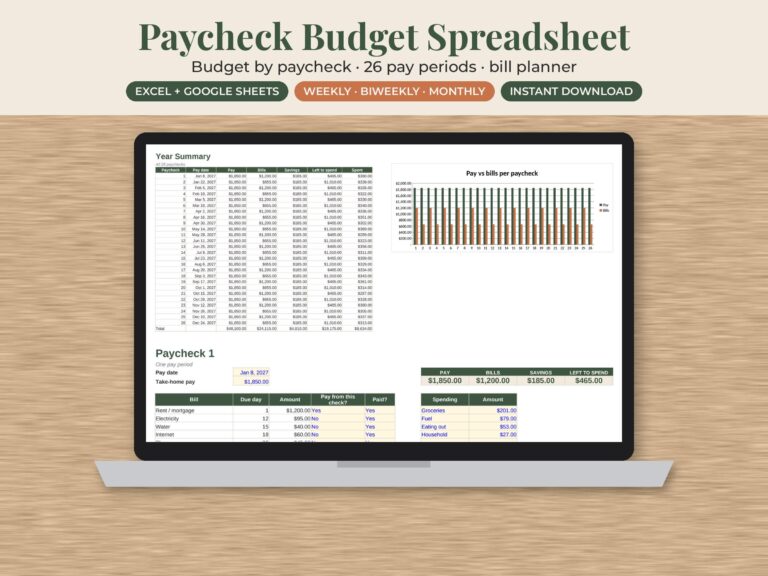
A bill payment tracker is just four columns: bill name, due date, amount and paid. Sort it by due date so the next bill is always at the top. In Google Sheets you can add tick boxes with Insert > Checkbox. If you are paid every two weeks, match each bill to the paycheck that lands before its due date. The paycheck budget spreadsheet is built for exactly that, with a biweekly bill planner that lines bills up with paydays. Biweekly pay means 26 paychecks a year, so two months each year bring a third check. Plan those in advance. Our post on how to budget biweekly paychecks shows how.
Can couples share one household budget spreadsheet?
Yes, and Google Sheets makes it easy. Click Share, add your partner’s email and give them editor access. You both see the same numbers on any device. A few habits help a couples budget work:
- Agree on one weekly “money date” of 10 minutes to log spending together.
- Give each person a personal spending line that needs no explanation.
- Decide on shared goals first, such as an emergency cushion or a trip, then fill in the rest.
Which Pagevine budget template should I pick?
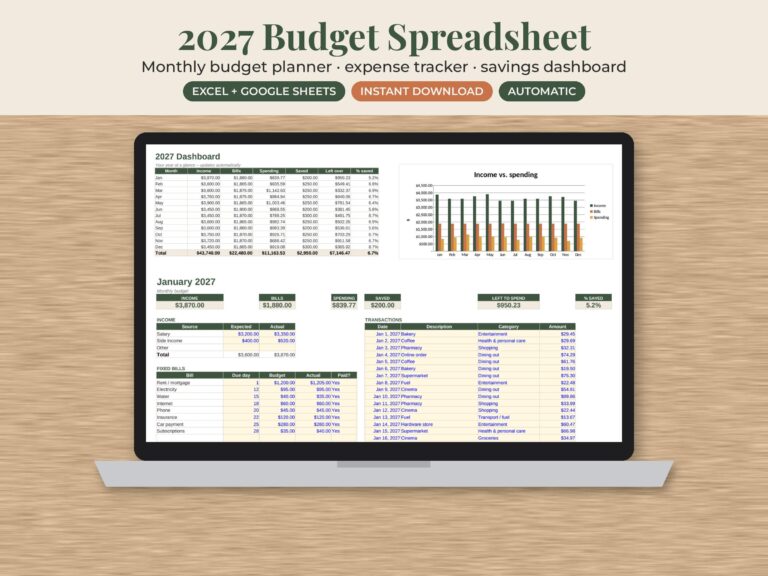
- Paid once a month, want something simple: the 2027 monthly budget spreadsheet combines a monthly budget planner, an expense tracker for everyday spending and a savings tracker. It works in Google Sheets and Excel.
- Paid every two weeks: the paycheck budget spreadsheet.
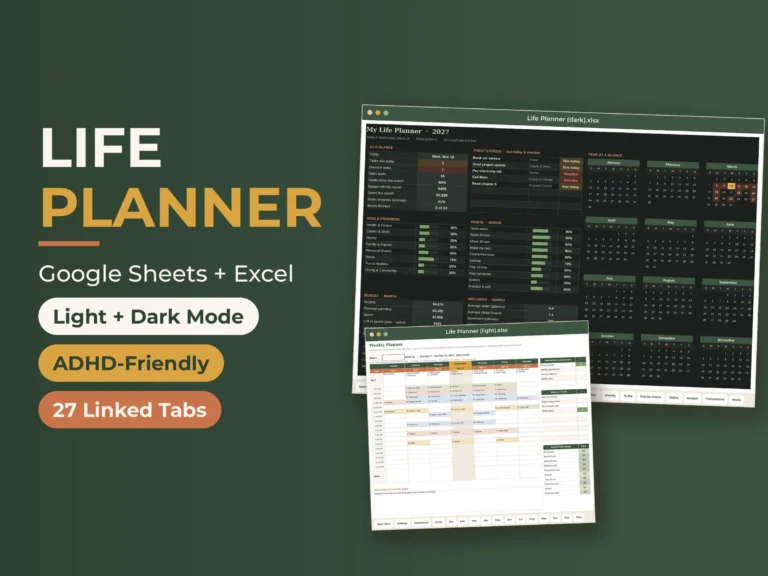
- Want budget and planning in one file: the life planner spreadsheet has 27 tabs, including a budget and transactions tab with 30 categories, room for 500 transactions, a savings rate and a chart.
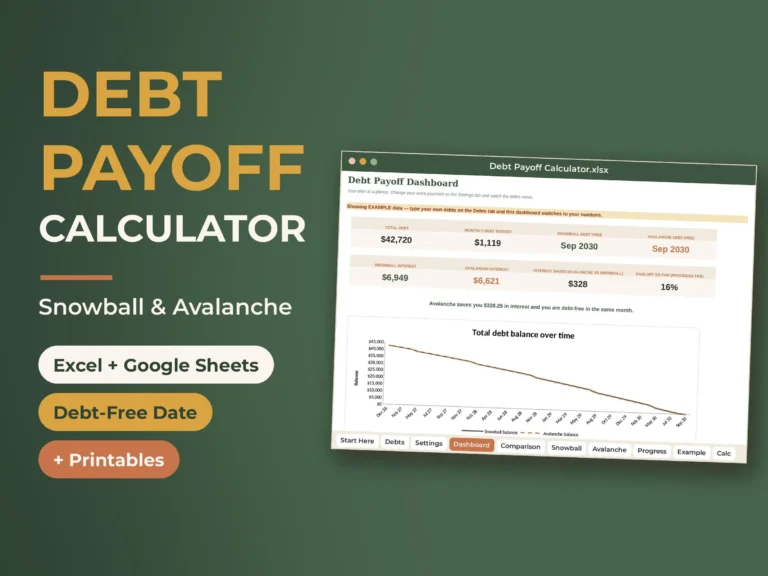
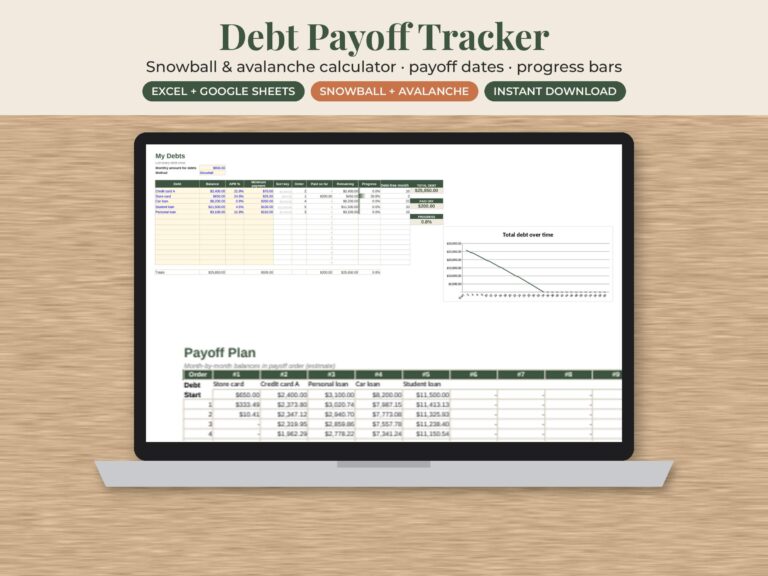
- Paying off debt: start with our debt payoff tracker guide and the debt snowball spreadsheet.
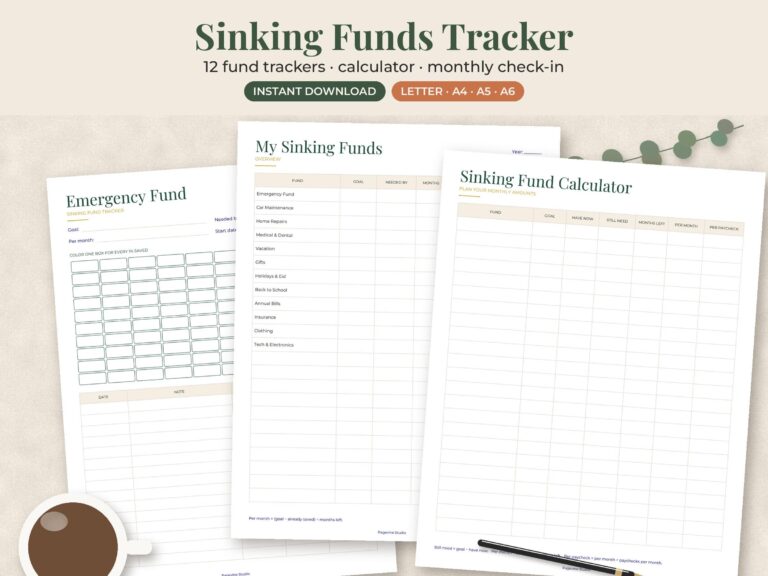
- Saving for annual costs: see the sinking funds tracker page.
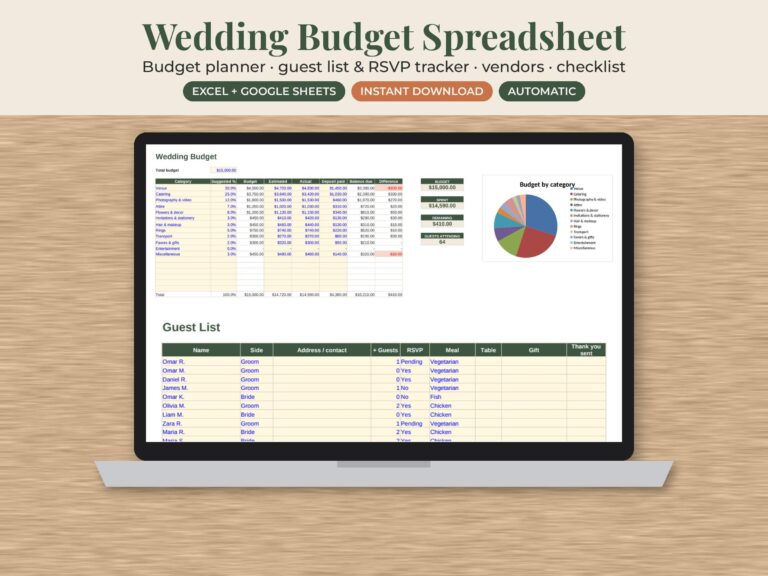
- Planning a wedding: the wedding budget spreadsheet tracks vendors and payments.
How do I print a budget spreadsheet?
Spreadsheets often spill onto a second page. In Excel, go to Page Layout and set Width to “1 page” before printing. In Google Sheets, choose File > Print, then set Scale to “Fit to width”. Use US Letter in the US and Canada and A4 in the UK. A printed copy on the fridge keeps the whole household on the same plan.
Money cells show $ by default. To use pounds or Canadian dollars, select the cells and change the currency under Format > Number. Canadians paid every two weeks can read our guide to budgeting a biweekly pay cheque.
Small tools that make a budget stick
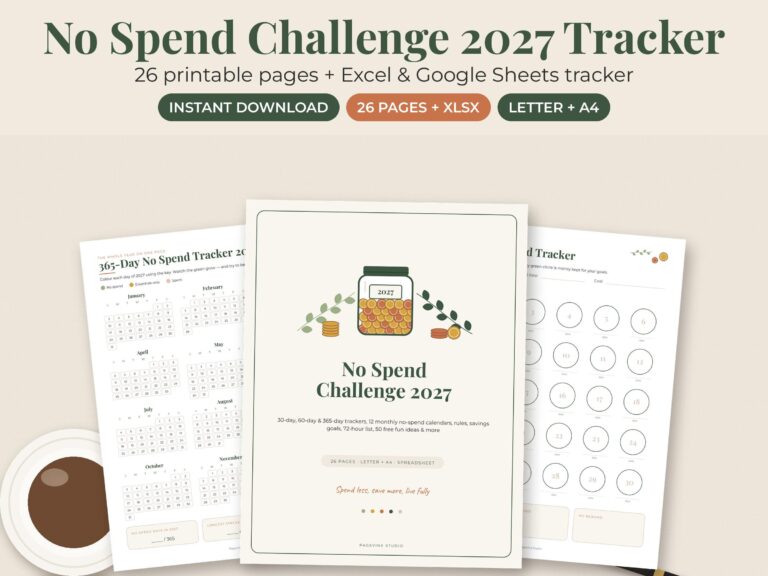
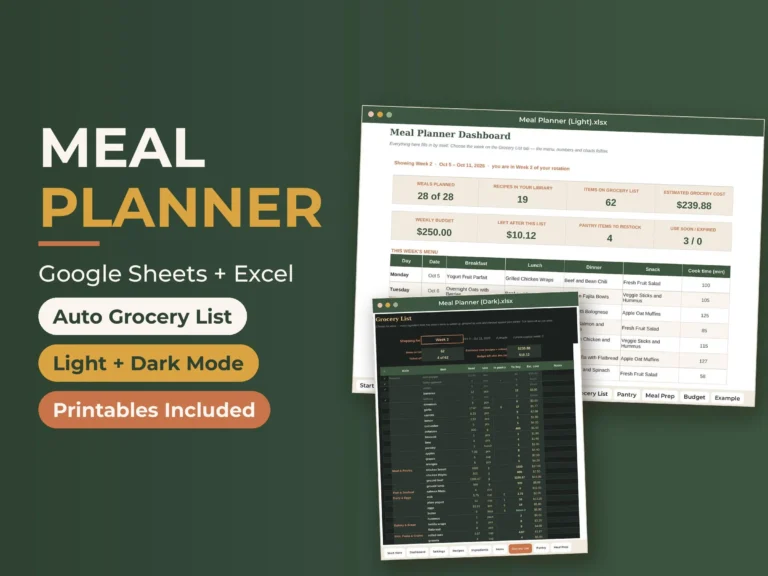
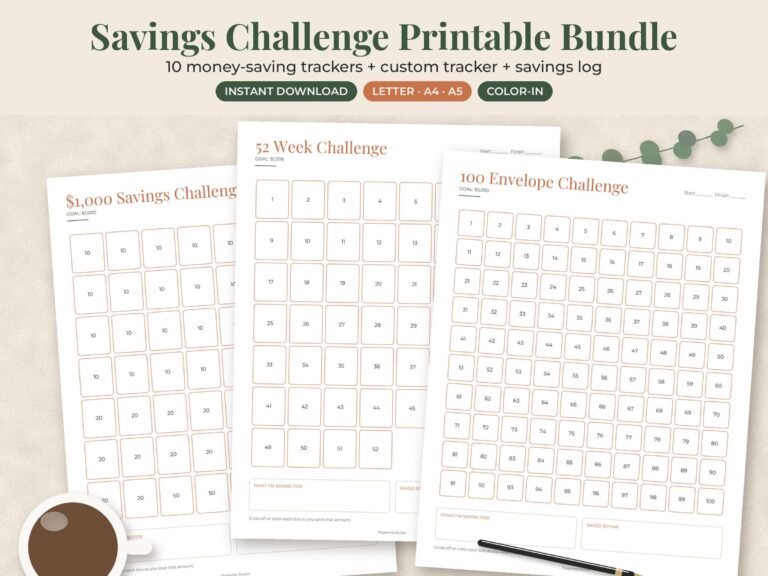
Groceries are the biggest flexible line for most families. The meal planner spreadsheet has a budget tab that tracks 52 weeks of grocery spending against your plan, and our meal planner templates page has more options. A no-spend challenge is a quick way to free up cash in a tight month, and a savings challenge turns a goal into boxes you can color in.
General information, not financial advice.
Pick one template, give it 15 minutes this week, and check it again on payday. Every file is an instant download from our Etsy shop. You can browse all budget templates and spreadsheets or the full shop.